Live classes with a whiteboard
Connect with your teacher through video lessons and work through ideas together using the classroom whiteboard.
Live classes with approved teachers
Find an approved teacher, follow a learning plan built around your needs, and learn through live video classes. With homework, feedback, shared notes, and AI revision from Miss Nova, NuViO IVE keeps your learning connected between lessons.
same amount, more pieces
How It Works
Four steps, and you stay in charge of each one. Nothing is booked until you and your teacher both agree.
Find a TeacherAdd your year, curriculum, subjects, learning goals, and available times so you can find a suitable teacher.
Explore approved teachers by subject and year, with filters for language and teaching mode. Once a teacher accepts your request, you can book one free 30-minute demo class before choosing them.
Free 30-minute demo class
Review your teacher’s proposed learning plan and request changes if needed. Agree on a term of lessons that fits both calendars before bookings are confirmed.
Attend live classes, submit homework, review feedback, and download shared notes. Revisit a lesson with Miss Nova using the guidance your teacher has provided.
Inside the app
Choose who you are and step through what you will see, from the first sign-up to revision after class.
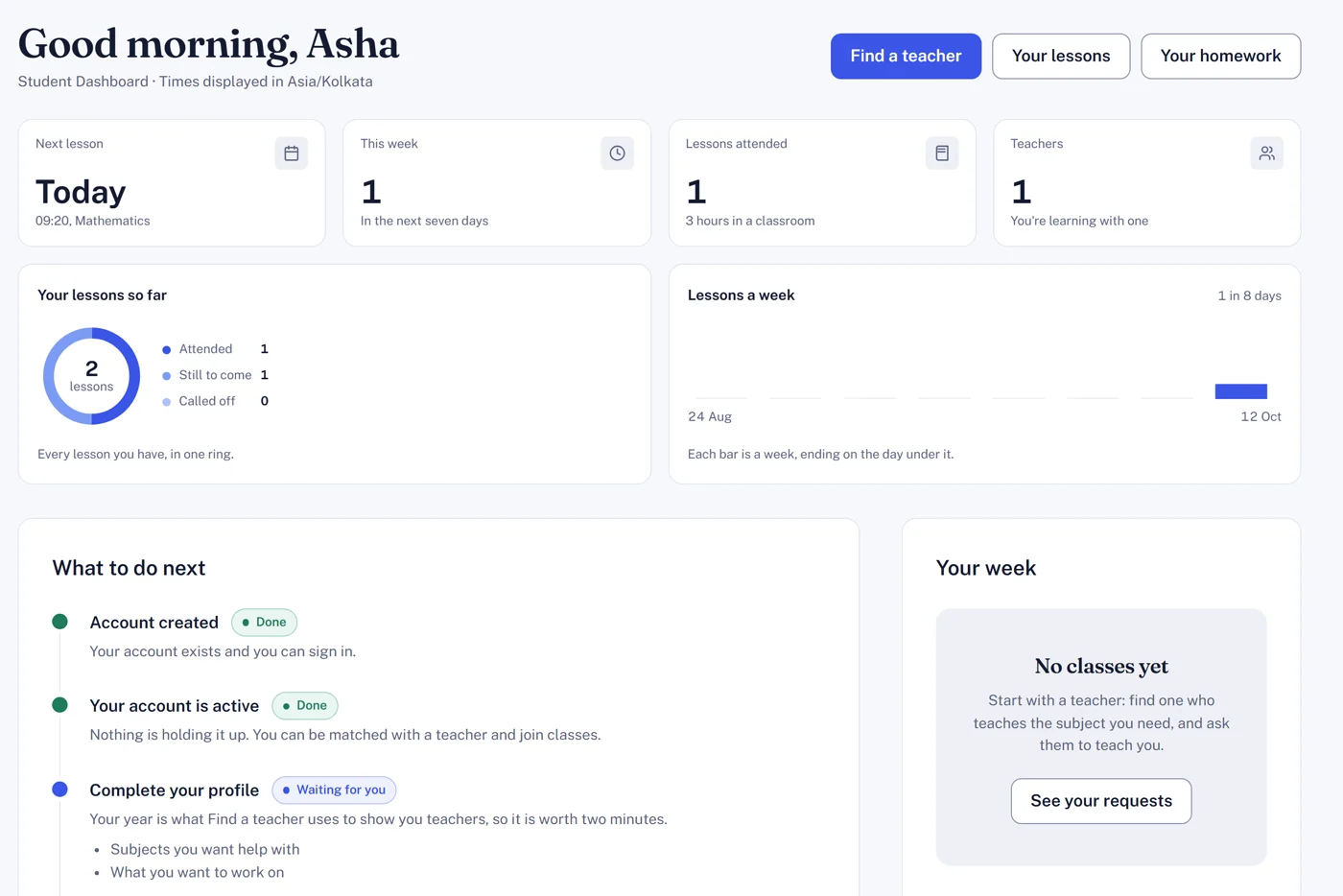
Add your year, curriculum, subjects, learning goals, and available times. Your dashboard shows what to do next.
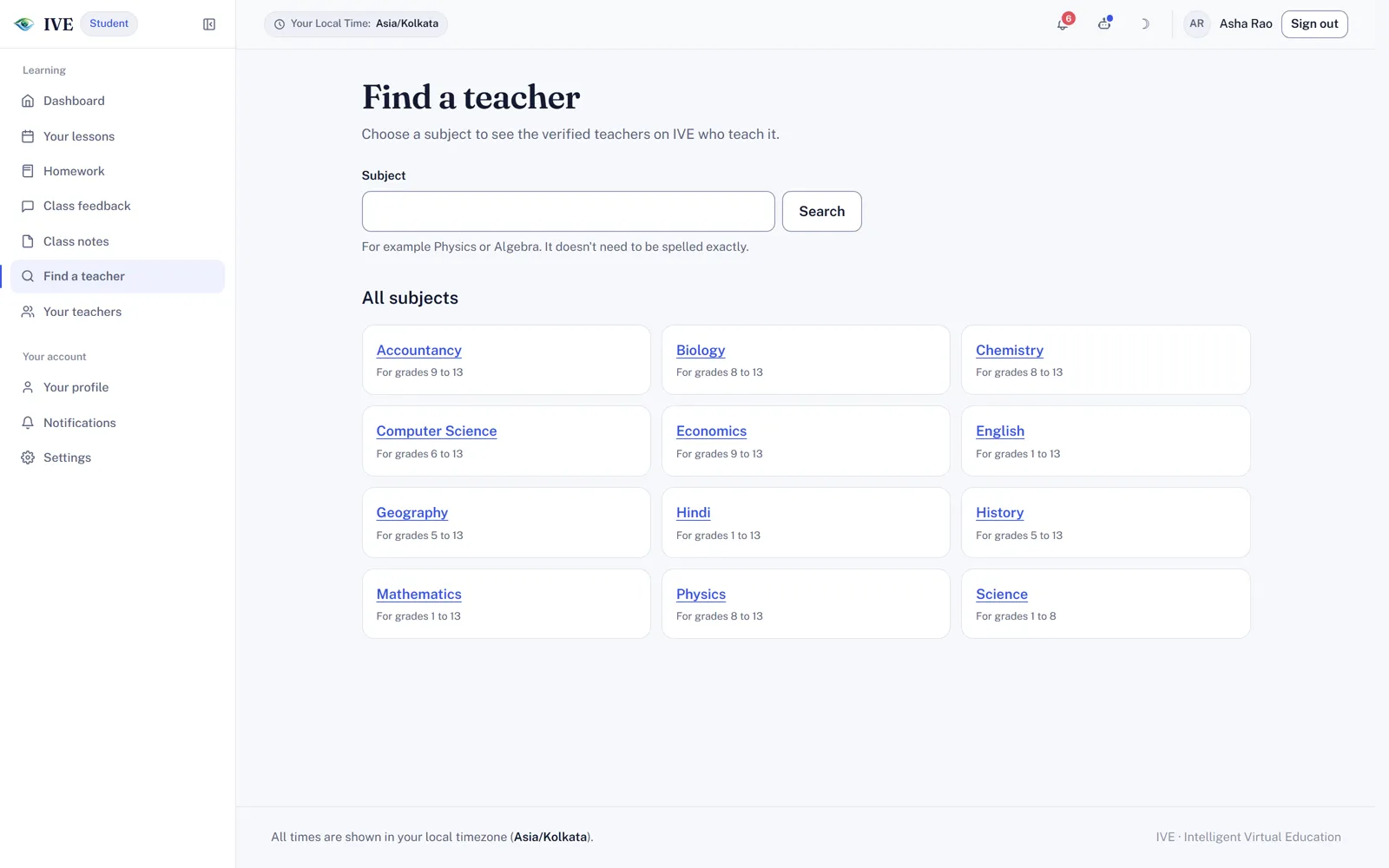
Explore approved teachers by subject and year, with filters for language and teaching mode, then send a request.
Once a teacher accepts, book one free 30-minute demo class. Review their learning plan and agree on a term that fits both calendars.
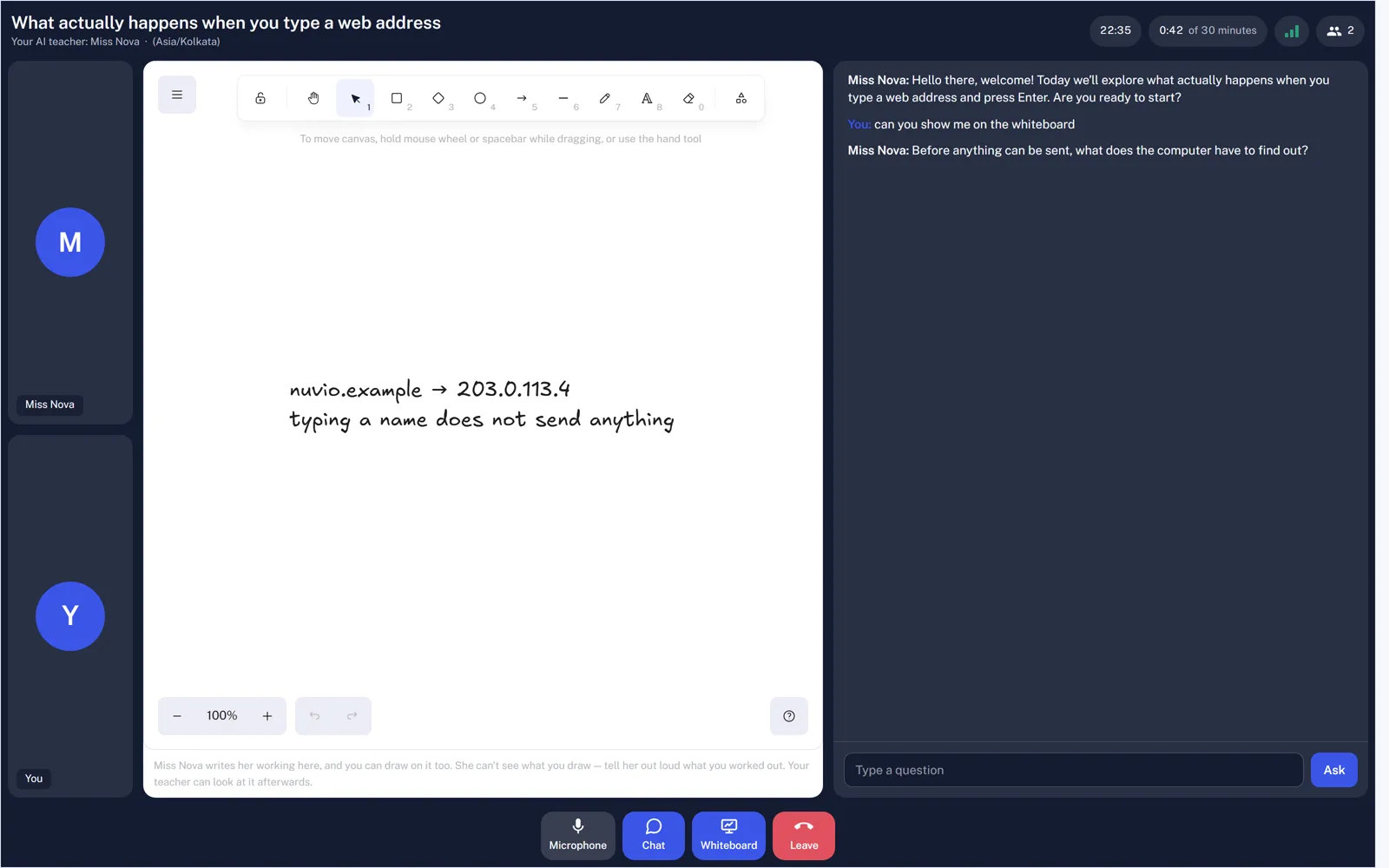
Join video lessons in your browser, ask questions as you go, and work through ideas together on the whiteboard.
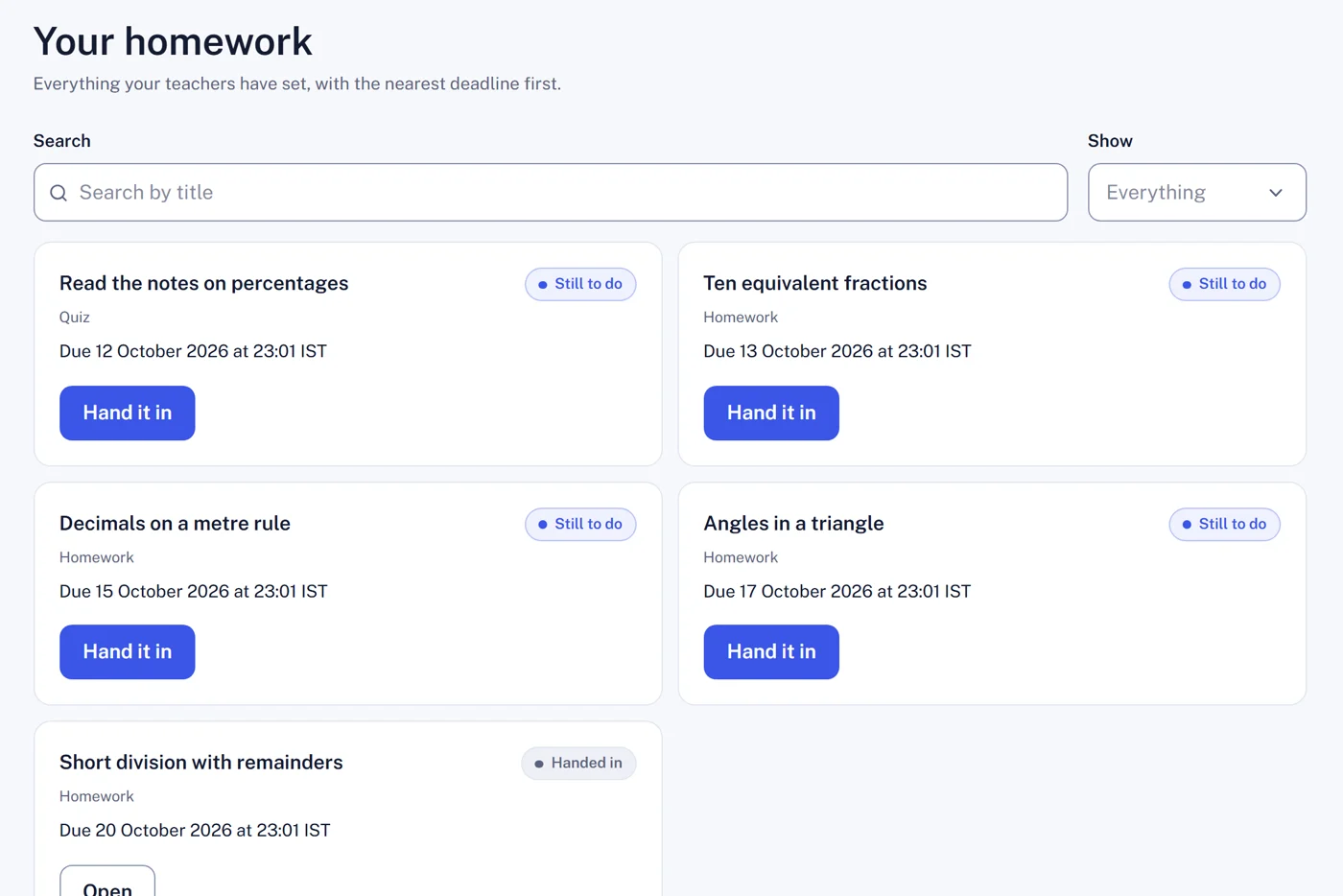
Read assignments, submit written answers or files, and review your teacher’s comments after marking.
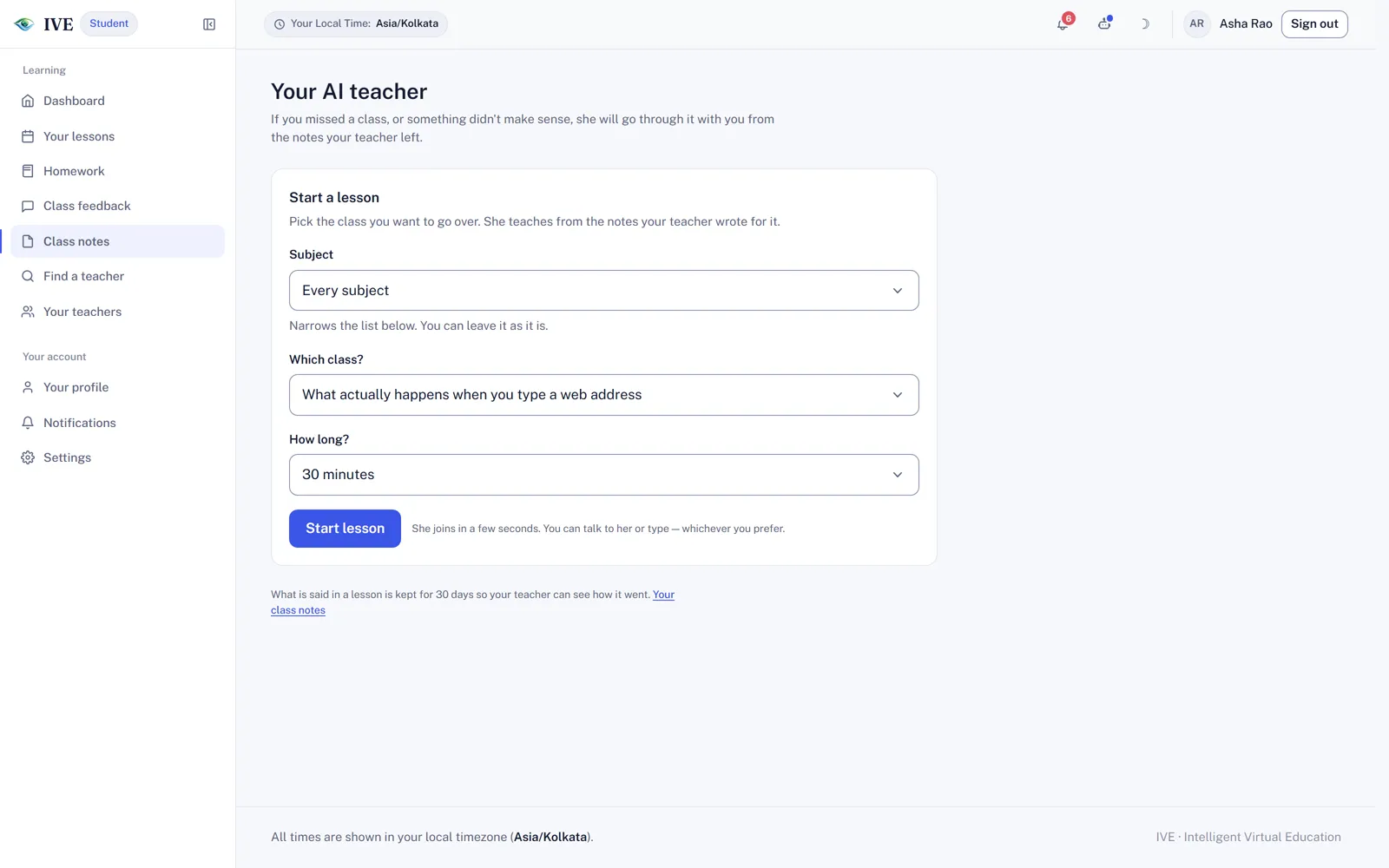
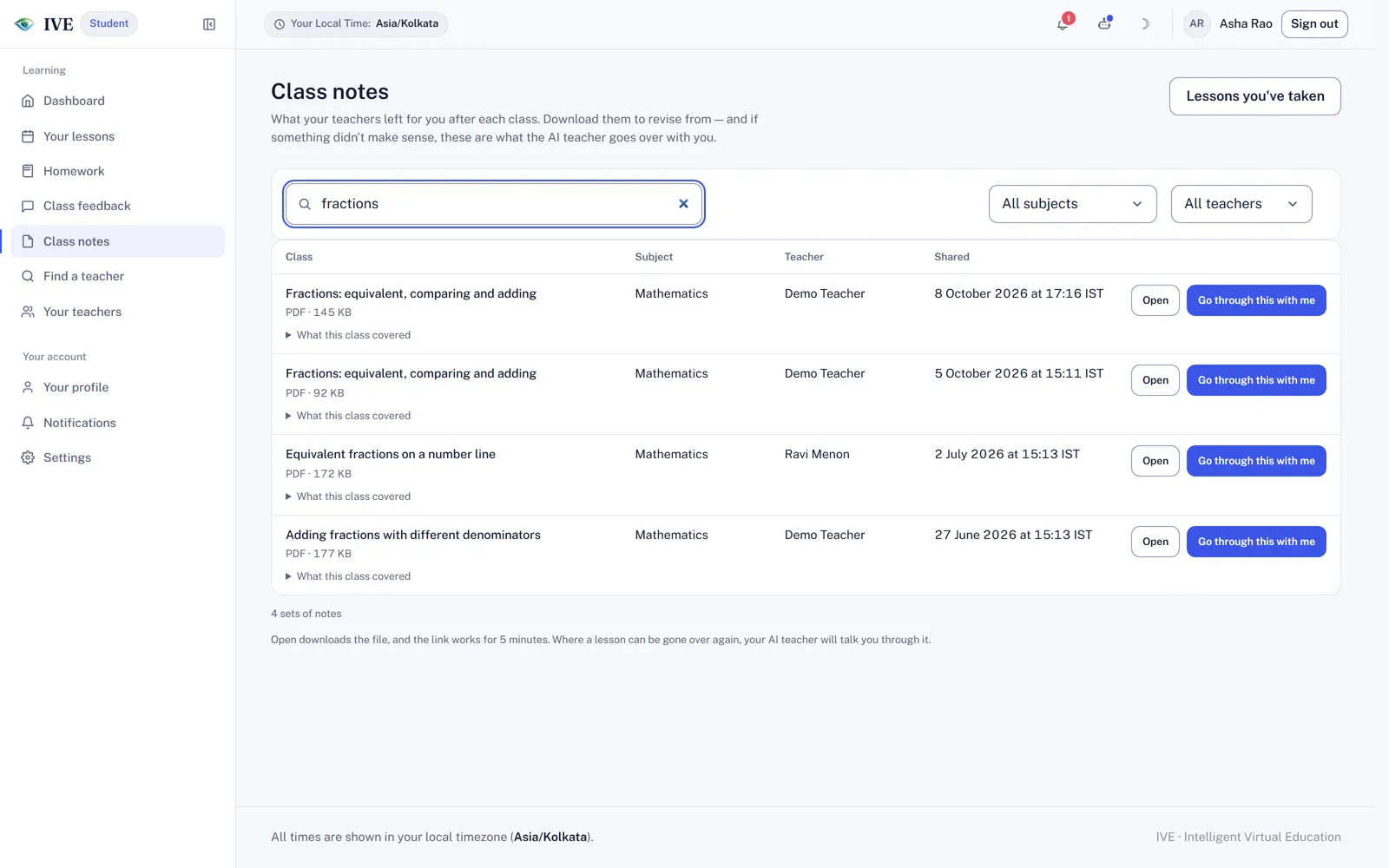
Pick a class and a session length from 5 to 45 minutes. Miss Nova, your AI teacher, teaches from the notes your teacher shared.
Ravi Menon accepted your request
Mathematics, Grades 1 to 13
Proposed learning plan
Apply with your subjects and years. Applications include document review and an interview before approval.
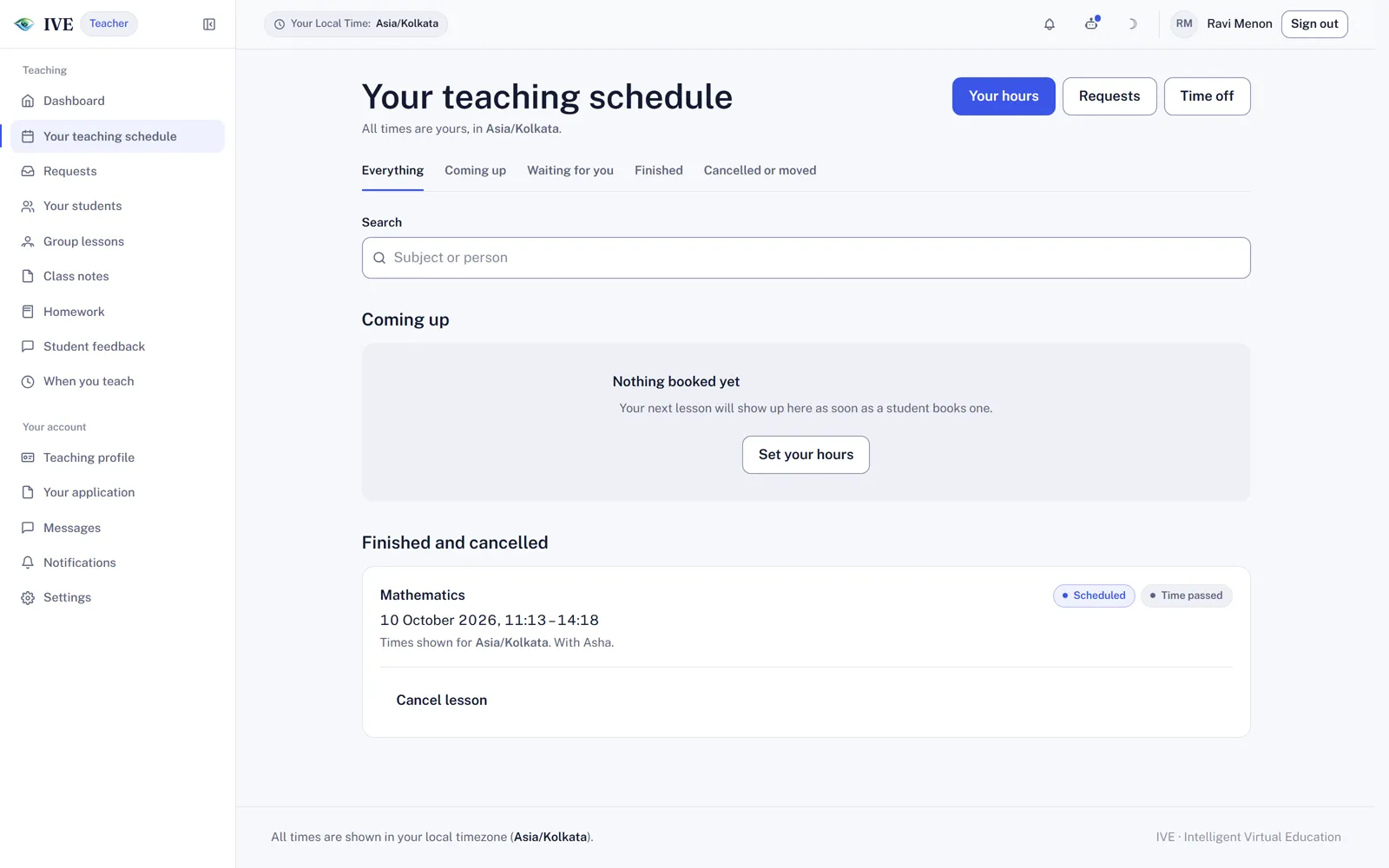
Add your weekly hours and time off once. Scheduling works around them and around lessons you already have.
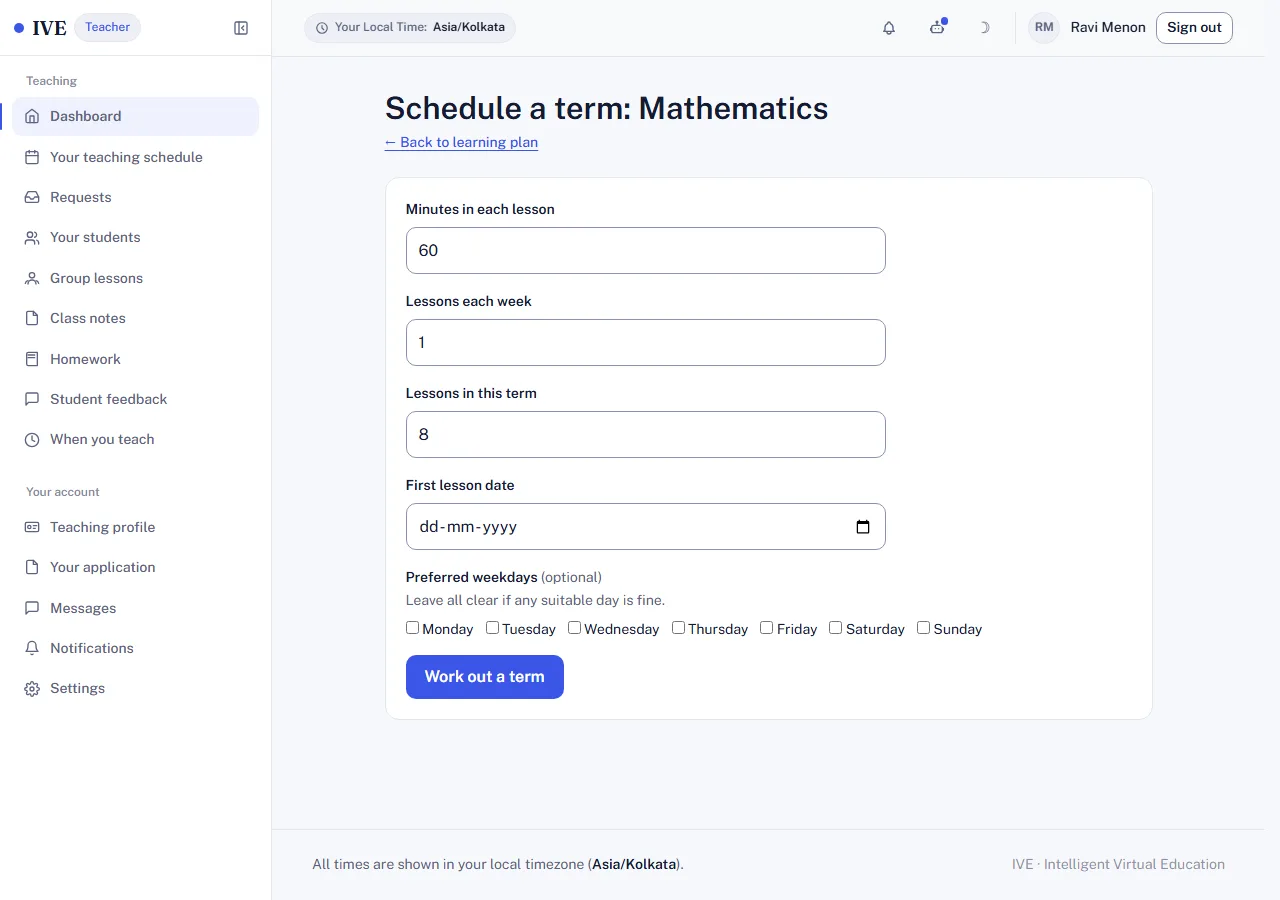
Build an ordered learning plan, then propose a term: minutes per lesson, lessons per week and a start date.
Teach in the browser with video and a whiteboard, then share homework, feedback and the class notes you choose.
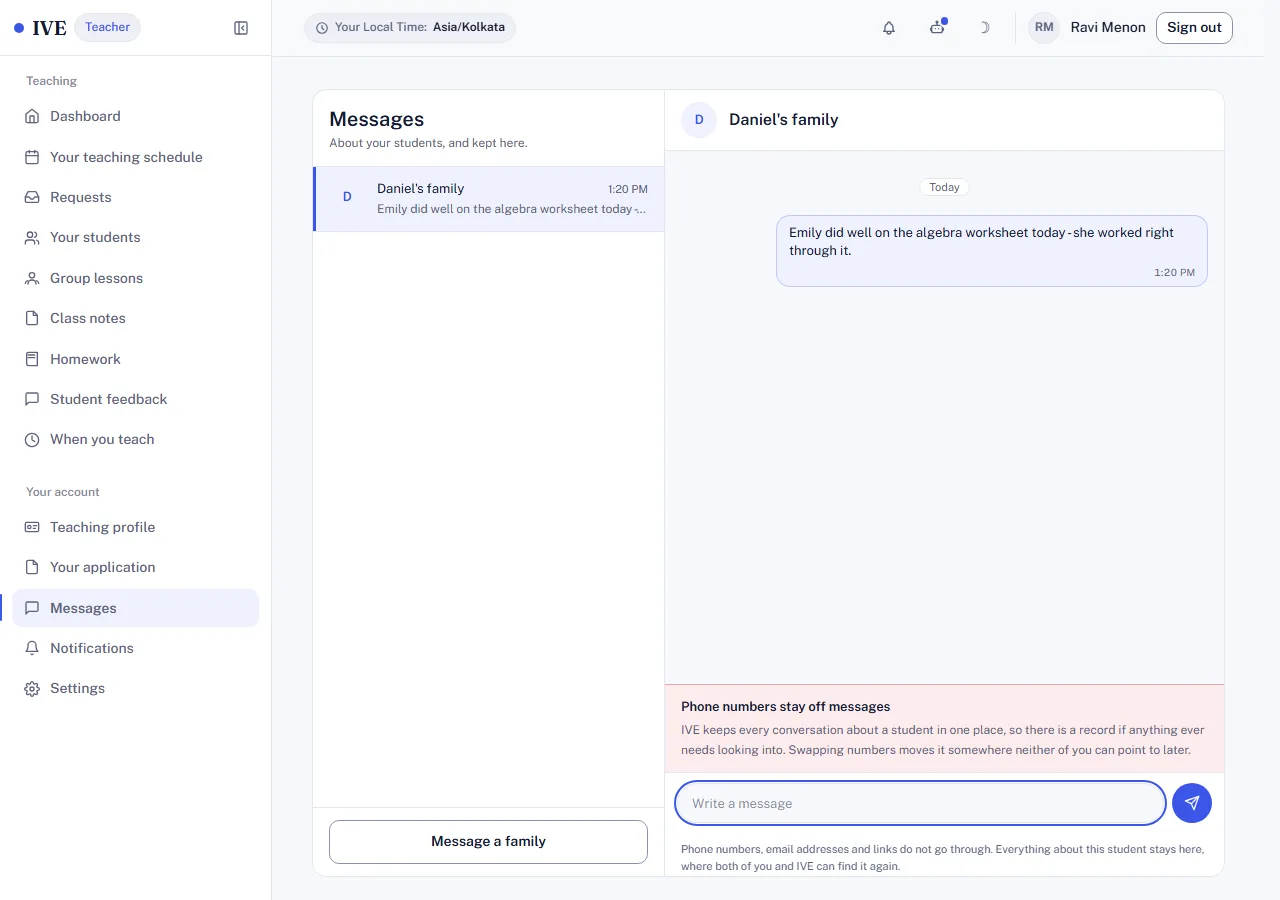
Messages stay on the platform. Phone numbers, email addresses and links are blocked, so there is always a record.
Your application
Mathematics and Science, Grades 6 to 10
Children under 13 need a parent or guardian to create their account. Students aged 13 to 17 can sign up themselves.
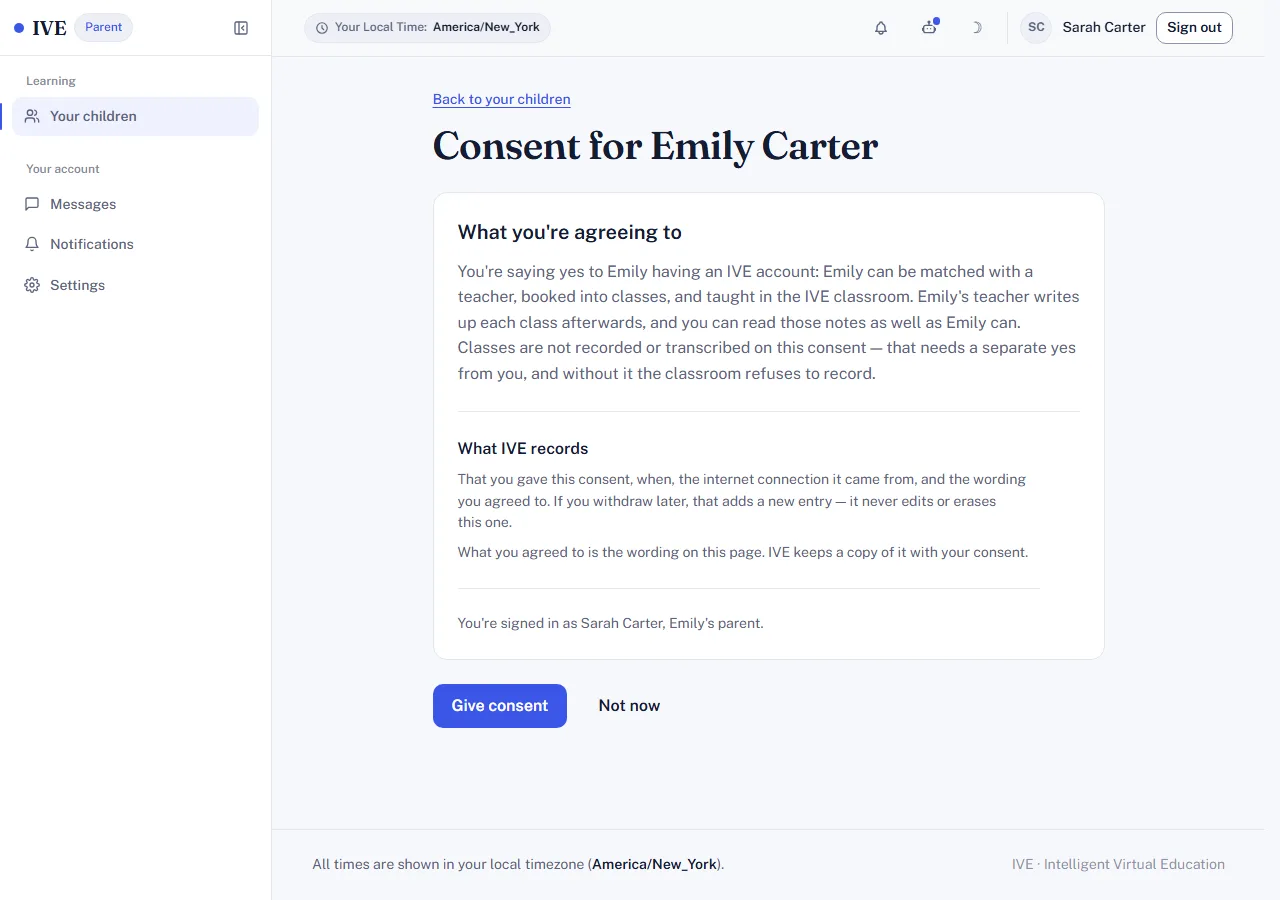
Guardian consent is required before anyone under 18 can be matched with a teacher or attend classes. Read exactly what you agree to.
Chat with your child’s teacher about progress, homework and lessons. Messages stay on the platform, so there is always a record.
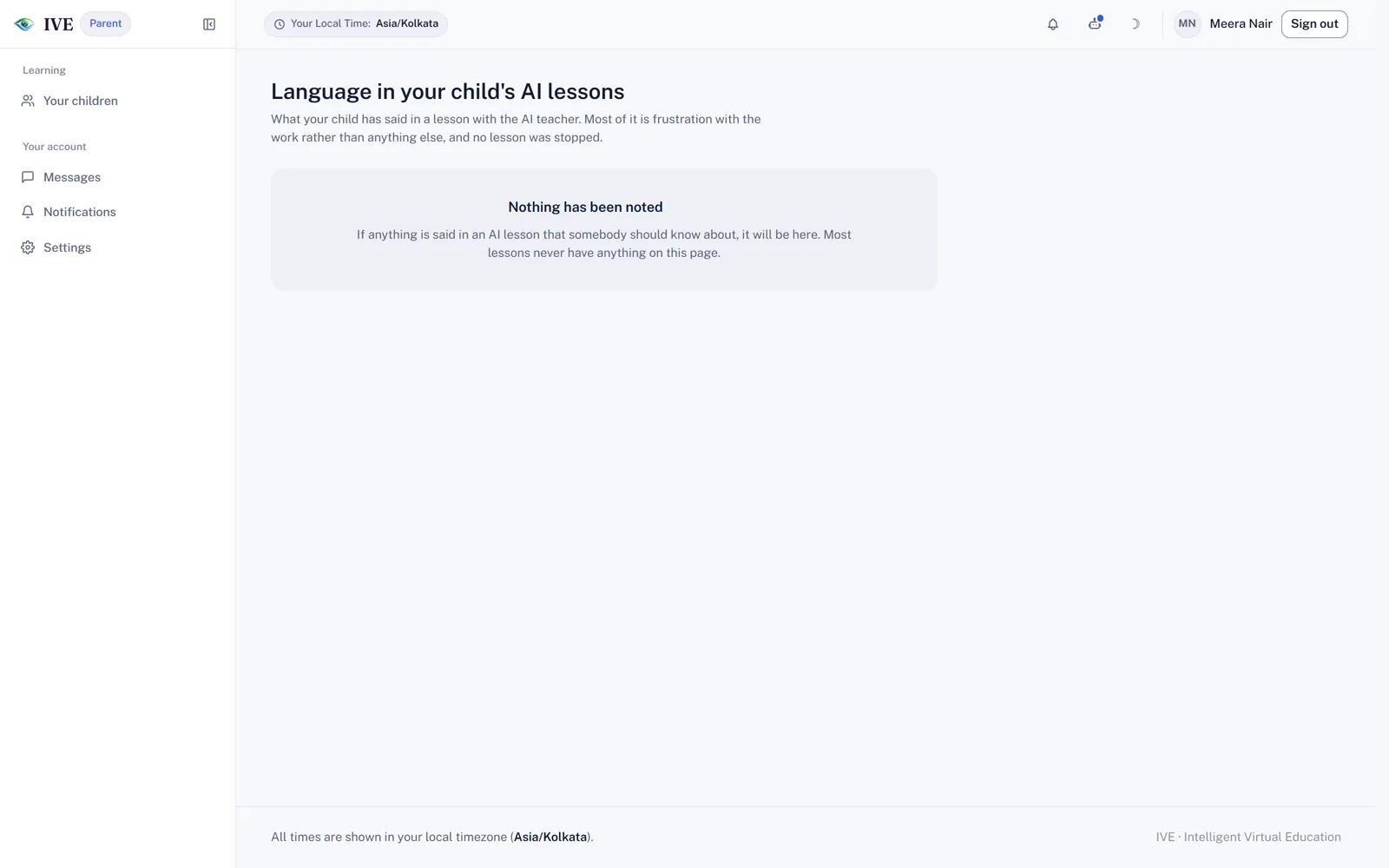
Anything said in your child’s Miss Nova lessons that somebody should know about appears on your page.
Your consent can be withdrawn at any time, and classes stop until it is given again.
Your children
Accounts you look after
Emily did really well with equivalent fractions today. Her homework is due Friday.
Thank you! She found the number line tricky. Could you go over it again?
Of course. I’ll start Thursday’s class with it and add it to her notes for Miss Nova.
Messages stay on NuViO IVE. Phone numbers, emails and links are blocked.
Consent for Emily
Given 12 September 2026
If you withdraw consent, Emily’s classes stop until you give it again.
Learning Features
The classroom, the plan, the calendar and the work after class, in one place for the student and the teacher.
Connect with your teacher through video lessons and work through ideas together using the classroom whiteboard.
Follow an ordered set of topics prepared by your teacher and reviewed by you before your term is scheduled.
See lesson times in your own time zone. Scheduling considers both people’s availability, existing lessons, and teacher time off. Proposed changes take effect after the other person accepts.
Read assignments, submit written answers or files, and review your teacher’s comments after marking.
Find and download the notes your teacher shares after class, keeping lesson materials close when it is time to revise.
Join teacher-organised group lessons with students learning the same material at a shared available time.
Progress
Lessons, the learning plan and homework add up to a picture you can read at a glance, so it is clear what has been covered and where more practice would help.
Minutes per week, last 8 weeks
24 booked lessons
Each mark is one topic
Assignments this term
Charts show example data for one student.
Meet Miss NovaAI teacher
Need another explanation of something covered in class? Miss Nova is an AI teacher, not a person. She leads an interactive revision session based on your human teacher’s notes and guidance.
Miss Nova AIYour teacher noted the number line felt tricky. Where would two quarters sit on it?
YouHalfway along, the same place as one half.
For everyone involved
Each person gets their own space, with only the things they need.
See upcoming lessons, manage homework, review class feedback, and access shared notes from your own learning space.
Manage student requests, build learning plans, propose lesson schedules, teach live classes, and share homework, feedback, and notes.
Create your child’s account when required and manage permission for them to learn. Guardian consent is required before anyone under 18 can be matched with a teacher or attend classes, and it can be withdrawn.
Safety
Teacher approval, guardian consent, and controlled sharing are built into the learning journey.
Students see professional teacher profiles without personal contact details.
Teacher-family messages stay within the platform, with phone numbers, email addresses, and links blocked.
Teachers choose which class notes to share, and students can access only the notes shared with them.
Emily did well on the algebra worksheet today. She worked right through it.
Thank you! Could you text me on +1 415 555 0132 about next week?
Phone numbers stay off messages, so this one was not sent.
Why families choose it
Give your child time with a teacher who can focus on their questions, learning goals, and areas that need more practice. Make room for explanations, discussion, and working through problems together.
Tell your teacher where you need help. Build a topic-by-topic learning plan that addresses your goals, whether you need to revisit a concept or organise your learning across a subject.
Ask questions during live video classes and work through explanations on the whiteboard. Keep the conversation going when a step needs another explanation.
Share your available times and agree on lessons that work for both student and teacher. View every class in your own time zone, with proposed schedule changes confirmed by both sides.
Students can revisit homework, marked assignments, teacher feedback, and shared class notes. Use these to understand what has been covered and where more practice would help.
Experience the teaching approach before choosing your teacher. Once your request is accepted, book one free 30-minute demo class with that teacher and see whether the approach suits your learning needs.
The NuViO IVE app
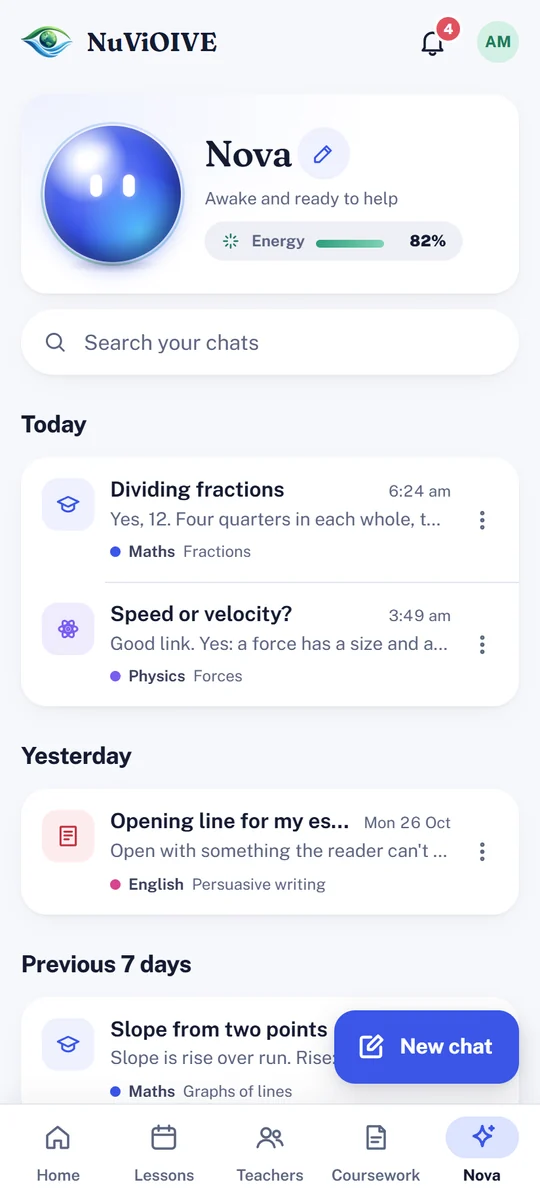
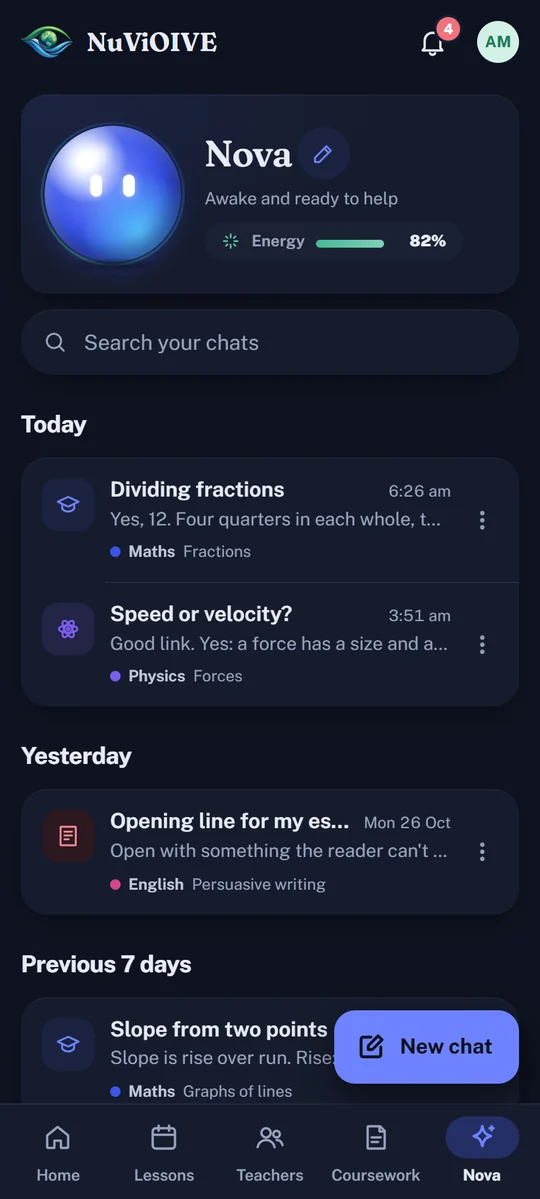
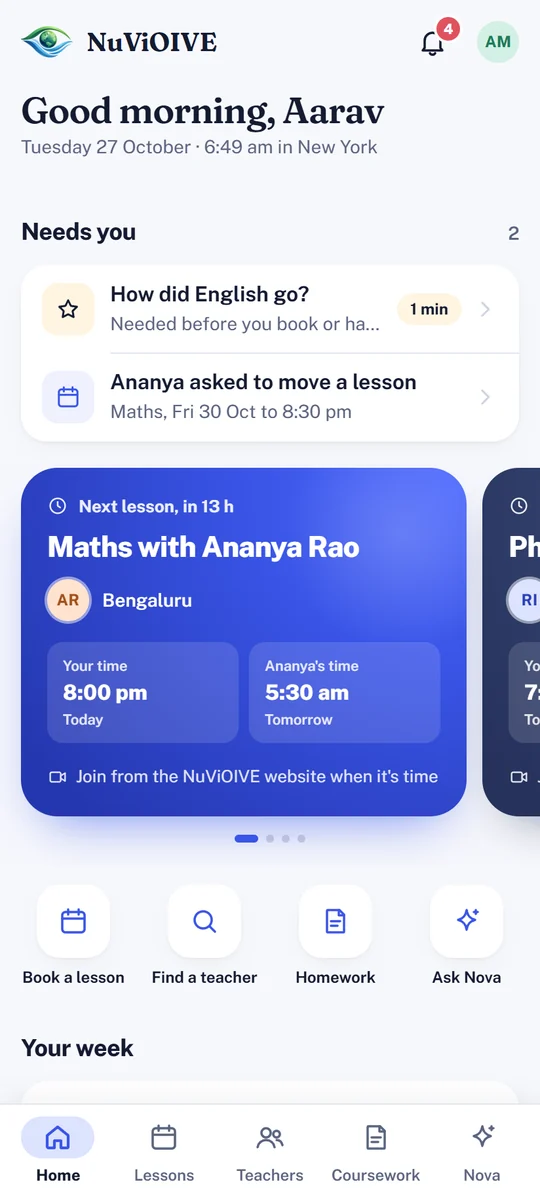
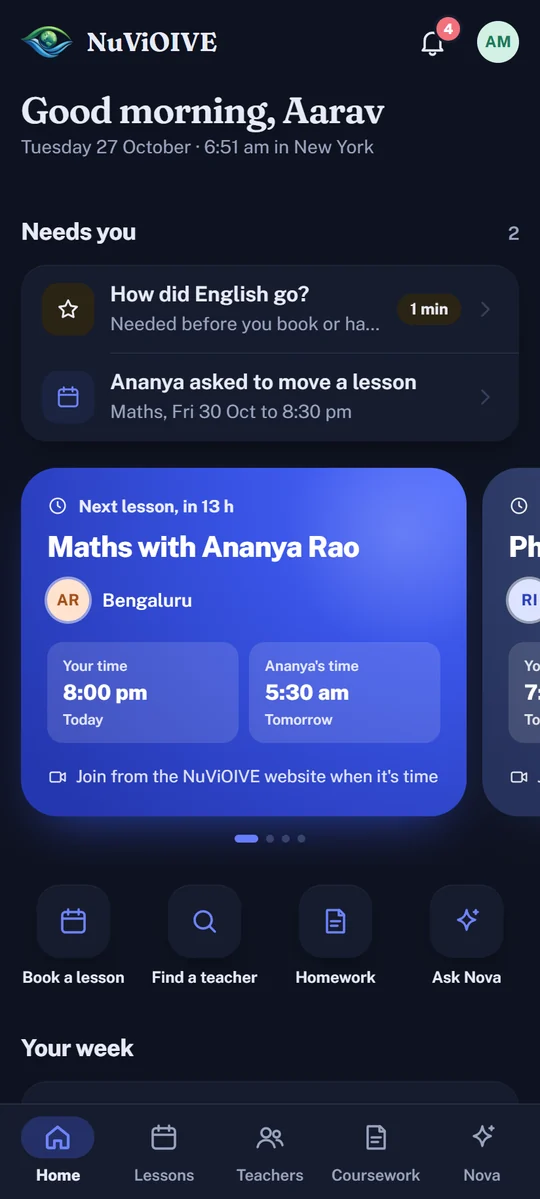
See what’s next, book lessons, hand in homework and message your teacher from your phone. Live classes open on the website, as always.
On an iPhone? The app for iPhone and iPad is on its way. Until then, everything works in Safari: sign in on the website.
Needs Android 7 or newer.
FAQs
Something else on your mind? Contact our team and we will help you choose.
Yes. After a teacher accepts your request, you can book one free 30-minute demo class with that teacher. Taking the demo is optional.
The platform proposes a term using the teacher’s and student’s shared availability. Lessons are added to both calendars only after both agree.
Children under 13 need a parent or guardian to create their account. Students aged 13 to 17 can sign up themselves, but guardian consent is still required before teacher matching or classes.
They have different roles. Your companion helps you use NuViO IVE, including finding pages and understanding next steps. Miss Nova is an AI teacher: she helps you revisit lessons using your human teacher’s notes.
Build a learning routine with live teaching, a structured plan, and support for revision between classes.